
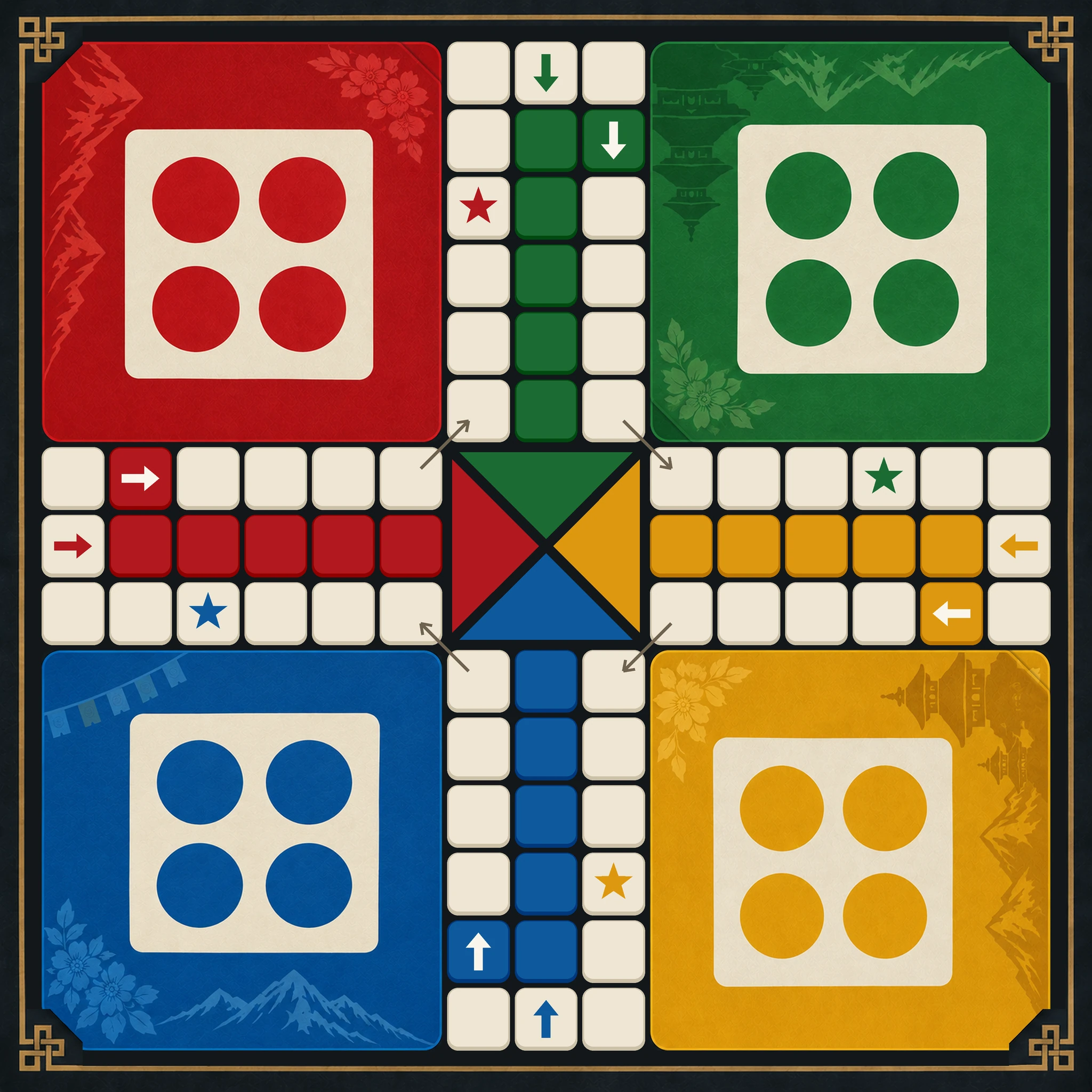
The dice race
Ludo
The dice game everyone grew up on. Bring your tokens out on a six, capture your friends and race them home, alone or in pairs, in 2D or 3D.
Play online
Get matched with other players at a public table. Free to play: no coins. Sign in with your email first: it takes a minute.
What is Ludo?
Ludo is a race for two to four players. Each player has four tokens in a yard. Roll a six to bring one out, then move clockwise round the board and up your home column. Land on a rival to send them back. The first to get all four tokens home wins.
Also called Ludo King, Pachisi and Ludo board game.
Read the Ludo rules, from the deal to the scoring.
How to play Ludo online with friends
- Type your name and pick an avatar at the top of this page.
- Tap Host a board, choose the settings, and your board opens with a six-digit code.
- Send the code or the invite link to your friends. They open it on their own phone, tablet or laptop and take a seat.
- Start when everyone is in, and talk over the built-in voice chat while you play. Play again as often as you like.
Playing Ludo on Dashain
How do I play Ludo online with friends?
Open Ludo on Dashain, pick a name and an avatar, and tap Host a board. You get a six-digit code: send it to your friends, they enter it on dashain.app and take a seat, and you start when everyone is in.
Is it free, and do I need to download an app?
It's free, with nothing to install and no account to make. Dashain runs in the browser on phones, tablets and laptops, and you can add it to your home screen to play full screen.
Can friends in different countries play together?
Yes. Everyone joins the same board over the internet from wherever they are, and voice chat is built in, so family in Nepal and friends abroad can play one board together.
How many players can play Ludo?
Ludo takes 2–4 players. With fewer friends, or none, you can play against the computer instead.
Can I play Ludo against the computer?
Yes. Tap Play vs AI on this page, choose how many opponents and how hard they play (Easy, Normal or Hard), and deal. The game is saved in your browser, so you can come back to it later. There are no stakes against the computer.